Episode
A Skimmer Higgs
Questions
- How can I run my skimming code in the GitHub Actions?
Objectives
- Learn how to skim code and set up artifacts.
The First Naive Attempt
Let’s just attempt to try and get the code working as it is. Since it worked for us already locally, surely the CI/CD must be able to run it?
As a reminder of what we’ve ended with from the last session:
jobs:
  greeting:
    runs-on: ubuntu-latest
    steps:
      - run: echo hello world

  build_skim:
    needs: greeting
    runs-on: ubuntu-latest
    container: rootproject/root:${{ matrix.version }}
    strategy:
      matrix:
        version: [6.26.10-conda, latest]
    steps:
      - name: checkout repository
        uses: actions/checkout@v4

      - name: build
        run: |
          COMPILER=$(root-config --cxx)
          FLAGS=$(root-config --cflags --libs)
$COMPILER -g -O3 -Wall -Wextra -Wpedantic -o skim skim.cxx $FLAGSSince the skim binary is built, let’s see if we can run it. We need to add a job with the name skim.
skim is meant to process data (skimming) that we are going to run on.
Let’s go ahead and figure out how to define a run job. Seems too easy to be true?
skim:
  needs: build_skim
  runs-on: ubuntu-latest
  container: rootproject/root:6.26.10-conda
  steps:
      - name: checkout repository
        uses: actions/checkout@v4

      - name: skim
run: ./skimAfter you’ve added the skim job, you can push your changes to GitHub:
git add .github/workflows/main.yml
git commit -m "add skim job"
git push -u origin feature/add-actions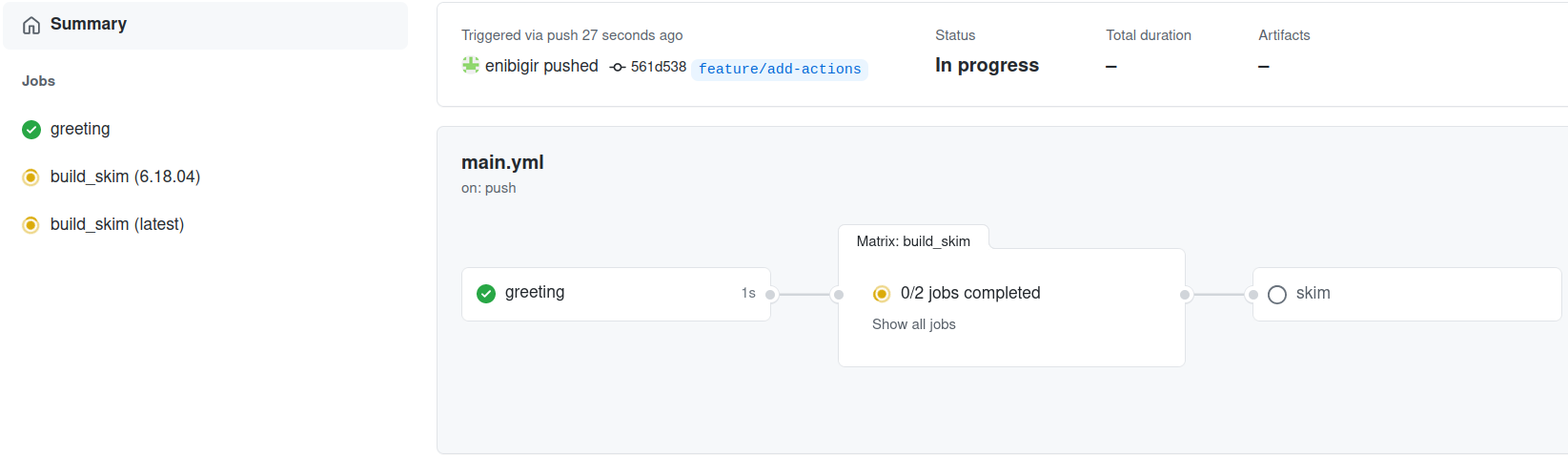
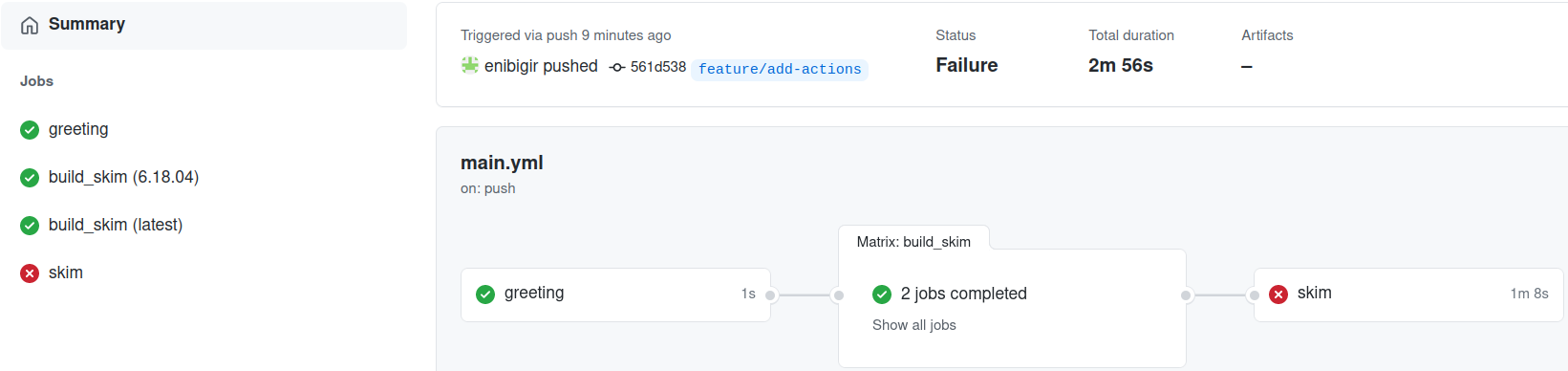
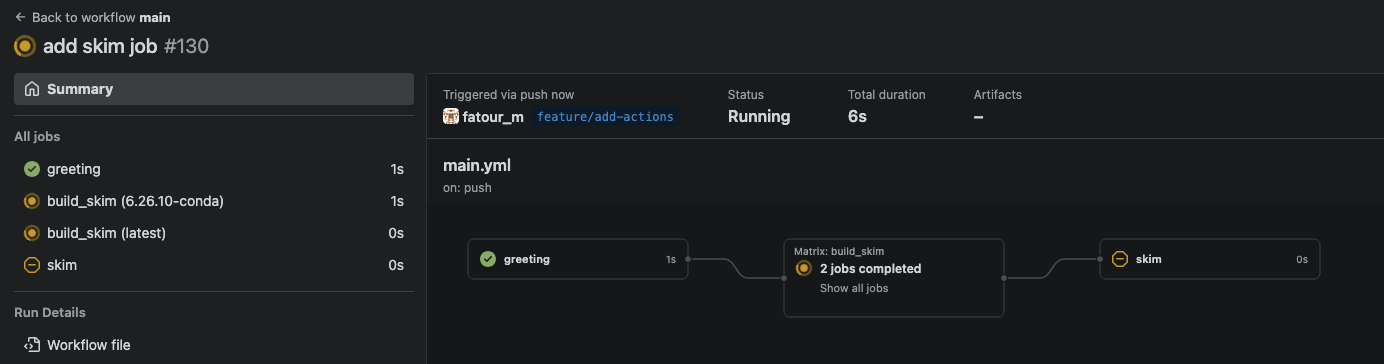
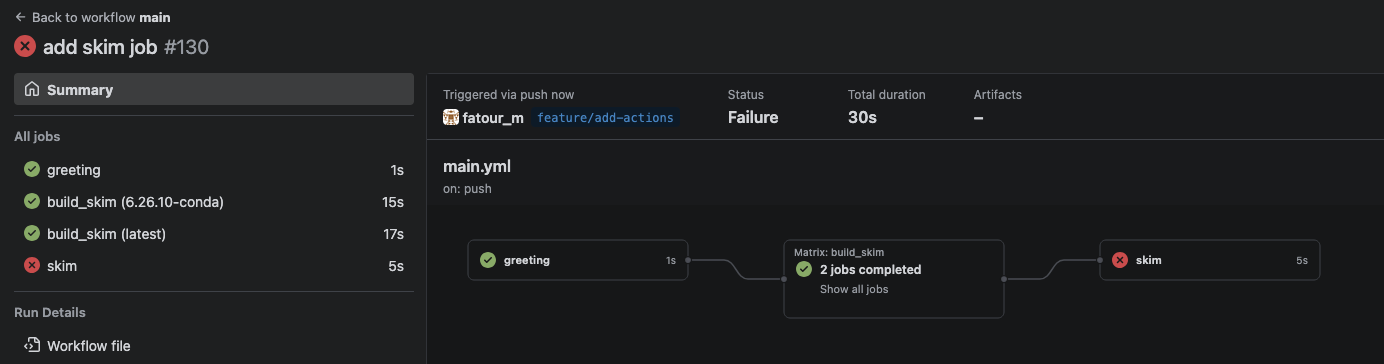
Failed???
Let’s have a look at the log message
./skim: not foundWe’re too naive
Ok, fine. That was way too easy. It seems we have a few issues to deal with. The skim binary in the build_skim job isn’t in the skim job by default. We need to use GitHub artifacts to copy this over from the right job.
Artifacts
Artifacts are used to upload (upload-artifact) and download (download-artifact) files and directories that should be attached to the job after this one has completed. That way, it can share those files with another job in the same workflow.
job_1:
  - uses: actions/upload-artifact@v4
    with:
      name: <name>
      path: <file>
job_2:
  - uses: actions/download-artifact@v4
    with:
      name: <name>
Note that the artifact name should not contain any of the following characters ",:,<,>,|,*,?,\,/.
In order to take advantage of passing data between two jobs, one combines download-artifact with needs.
Combining `download-artifact` with `needs`
Let’s do it.
Solution
...
...
build_skim:
  needs: greeting
  runs-on: ubuntu-latest
  container: rootproject/root:${{ matrix.version }}
  strategy:
    matrix:
      version: [6.26.10-conda, latest]
  steps:
    - name: checkout repository
      uses: actions/checkout@v4

    - name: build
      run: |
        COMPILER=$(root-config --cxx)
        FLAGS=$(root-config --cflags --libs)
        $COMPILER -g -O3 -Wall -Wextra -Wpedantic -o skim skim.cxx $FLAGS

    - uses: actions/upload-artifact@v4
      with:
        name: skim${{ matrix.version }}
        path: skim

skim:
  needs: build_skim
  runs-on: ubuntu-latest
  container: rootproject/root:6.26.10-conda
  steps:
    - name: checkout repository
      uses: actions/checkout@v4

    - uses: actions/download-artifact@v4
      with:
        name: skim6.26.10-conda

    - name: skim
run: ./skimWhat happened?
./skim: Permission deniedPermissions can be changed using the chmod command.
Solution
run: |
  chmod +x ./skim
  ./skim
From the log message, one can see that we are missing arguments.
Use executable with following arguments: ./skim input output cross_section integrated_luminosity scaleWe will deal with that in the next lesson.
Key Points
- Making jobs aware of each other is pretty easy.
- Artifacts are files created by the CI that are offered for download and inspection.